Best Flat Cat 6 Ethernet Cable? Jadaol Review & Dad’s Home Office Install
I wanted a fast wired connection and more choices for hiding the cable in my home office. In this Jadaol flat Cat 6 Ethernet cable review, I show how the thin, flexible design makes it easy to follow walls and bend around corners, with an advertised speed of up to 10 Gbps.
I wanted a fast wired connection and more choices for hiding the cable in my home office. In this Jadaol flat Cat 6 Ethernet cable review, I show how the thin, flexible design makes it easy to follow walls and bend around corners, with an advertised speed of up to 10 Gbps.
by
Eric Sharp

Modified last on
Nov 8, 2026
Topics
Amazon Affiliate Disclaimer
This content may contain affiliate links, which means that if you click on one of the product links, I may receive a small commission to help purchase more Dad-friendly products to do more helpful reviews! As an Amazon Associate I earn from qualifying purchases.
Apparently moving day ends when Dad finally figures out how to wire his desk.
After we moved into our new house, I wanted to plug my computer straight into the router. The cable had to follow the edge of the wall and pass behind my bookcase, so I gave a thin, flexible cable a shot.
For this Jadaol flat Cat 6 Ethernet cable review, I used the white 50-footer in my home office. It handled the route easily and the connection has been stable. My one do-over would be measuring the run before ordering.


My Quick Video Review
Here’s a quick video review of the Jadaol flat Cat 6 Ethernet cable. I bend it next to an older Ethernet cable and show the route behind my bookcase, including the coil I had left over.
Other Home Office Products
Here are a few other products you may be interested in, Dad.
- Hide the visible stretch. My ZhiYo baseboard cord cover review shows how I concealed this same Ethernet cable along the wall.
- Give your desktop a faster port. In my TP-Link TX201 2.5 Gbps network adapter review, I show what happened when I upgraded the Ethernet port after getting faster fiber.
- Set up a wired desktop. If you’re building a home office on a budget, my refurbished Dell OptiPlex 7070 desktop review covers the computer I paired with this cable.


Pros and Cons
Here’s a quick breakdown of what Dad liked, and what can be improved about this flat Ethernet cable.
What I Liked
- Thin, flexible profile. It bent more easily than the older cable I held up in the video.
- Stable wired connection. I had no connection issues with it between my computer and router.
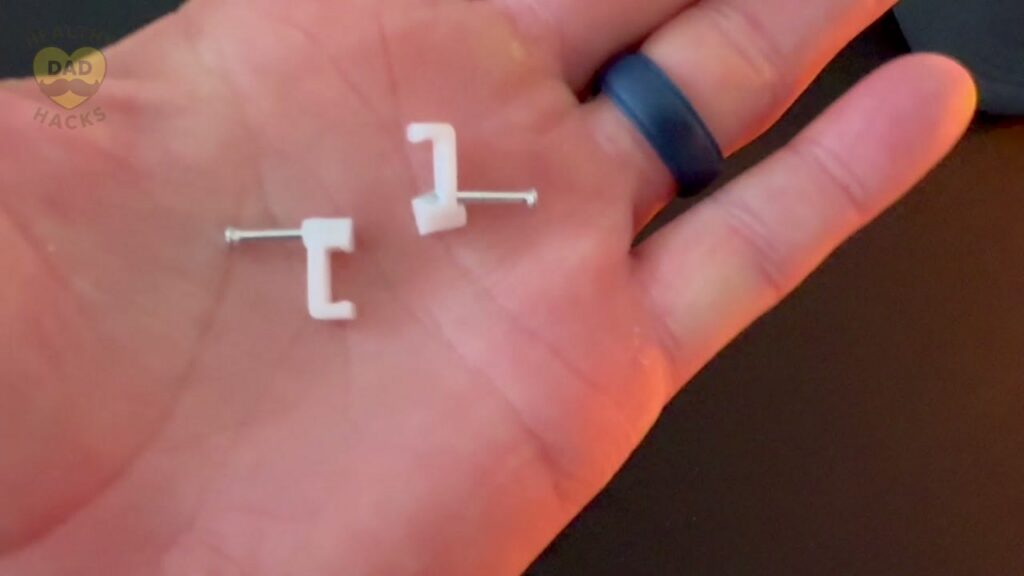
- Included mounting clips. They give you a way to secure stretches that pull away from the wall.
- Easy to coil. The extra length rolled up easily behind my setup.
Dad’s Honest Callouts
- Fifty feet was more than I needed. I’d buy a shorter cable for this same route today.
- White can stand out against dark trim. But remember, you can paint the white cable to match your baseboard.
Quick Verdict
I’d recommend the Jadaol if you want a wired connection and need a cable that can follow the edge of a room. It was easy to work behind my bookcase, and the connection has been dependable. Take a minute to measure your actual route before picking a length.
Top Amazon Reviews
Don’t just take my word for it — here’s what other Amazon buyers commonly mention about the Jadaol flat Cat 6 Ethernet cable.
- “Easy to keep out of sight” – Buyers like how the flat cable sits close to the wall, especially the white version against white walls.
- “Clips make routing easier” – Customers appreciate getting mounting clips with the cable and describe installation as straightforward.
- “Good performance for a wired setup” – Buyers commonly mention that the cable works well and are happy with its speed.
Unboxing – What’s Inside?
The setup is simple. Here’s what came with mine.
- One white 50-foot Jadaol flat Ethernet cable
- Nail-in cable clips
Specifications
- Length and color: 50 feet, white
- Cable type: Flat Cat 6 unshielded twisted pair
- Connectors: Gold-plated RJ45
- Conductors: 30 AWG bare copper
- Advertised speed: Up to 10 Gbps
Dad’s 5 Key Features
Here are five things that stood out after I ran the Jadaol from my computer to the router.
1. A Flat Profile Behind Furniture
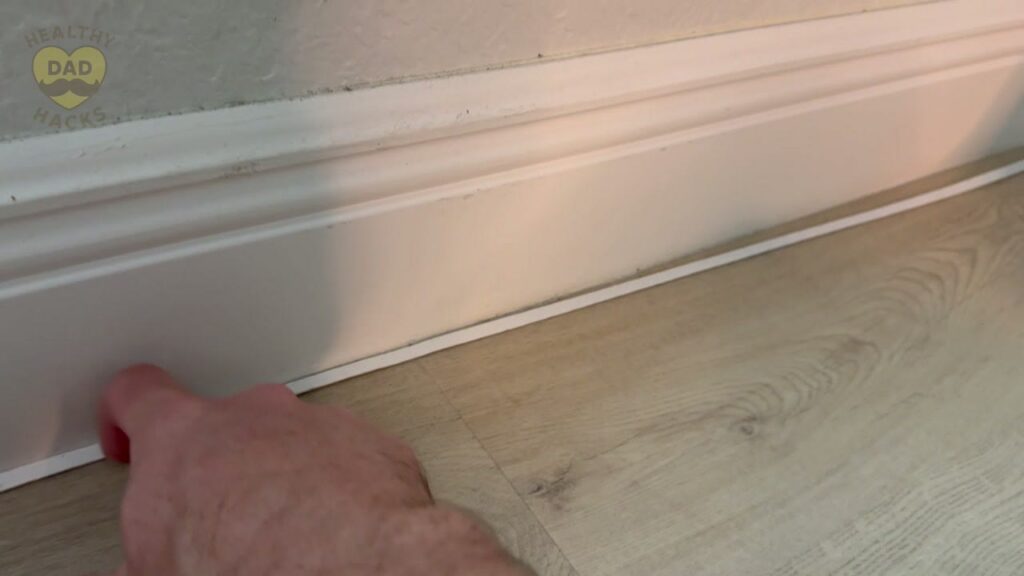
The back of my bookcase was the first place I cared about the cable’s shape. I wanted to follow the edge of the wall, and the thin profile made it easier to tuck the cable along that route. The flat shape is the reason I’d reach for this style again if I had to run Ethernet through a furnished room.
2. Flexibility Around Corners
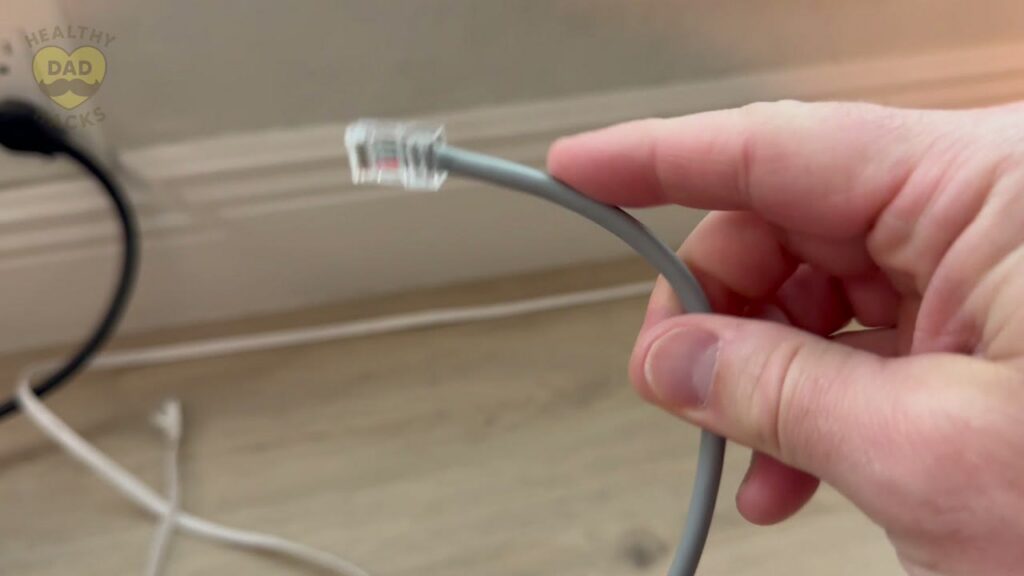
I pulled out an older Ethernet cable for the video and bent both by hand. The Jadaol was noticeably easier to curve. That mattered once I went around the edge of the wall and behind the bookcase, where the cable had to change direction. I could guide it around those turns without fighting the stiffness I was used to.
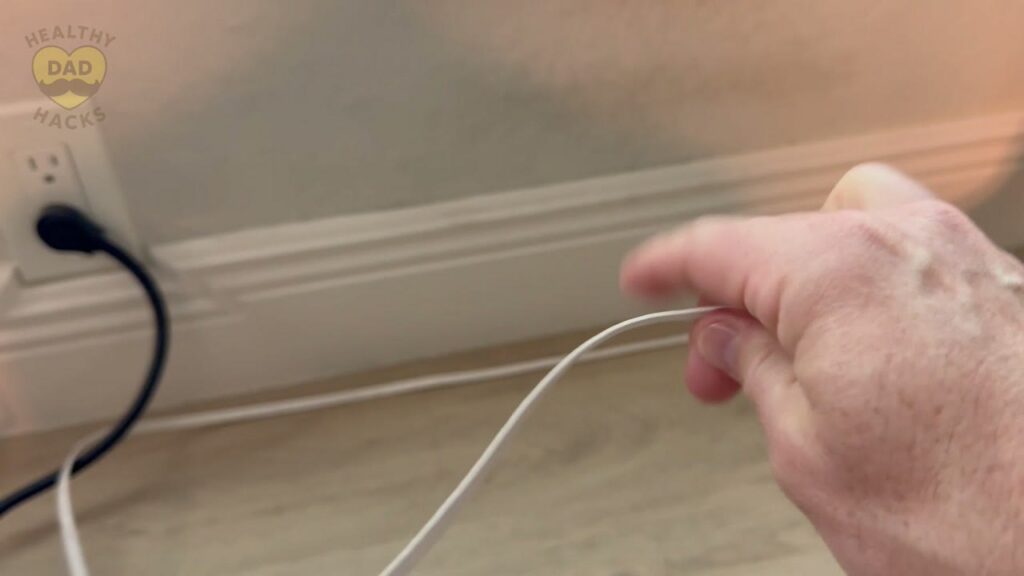
Dad Tip: Plan the route around the furniture and wall edges before you settle on a cable length.
3. A Stable Connection to the Router
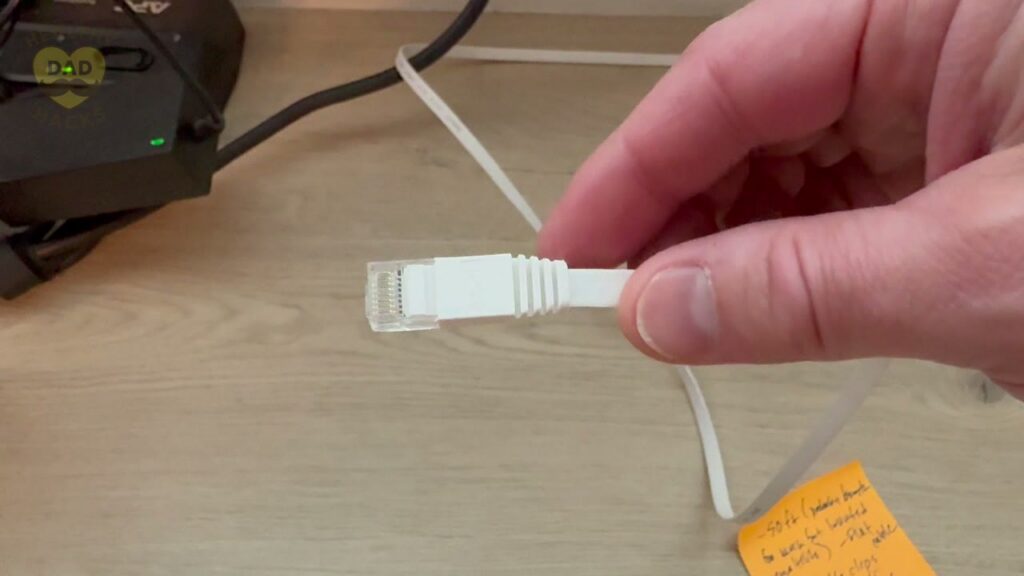
After the move, I wanted a direct connection from my computer to the router. The Jadaol has been stable in that setup, and I haven’t had any connection issues with it. You can see the gold-plated RJ45 connector when I unplug it in the video. Jadaol advertises up to 10 Gbps. My experience here is with day-to-day reliability.
4. Clips for the Sections That Stick Out
There’s a spot in my video where the cable comes away from the wall. It’s a good look at what the run can actually look like before you secure it. Jadaol includes nail-in clips for those spots. If I were tidying up that run today, I’d start by clipping the stretches that are visible when I walk past the bookcase.
Dad Tip: Use the included clips where the cable pulls away from the wall, especially near a turn.
5. Extra Length Coils Up Easily
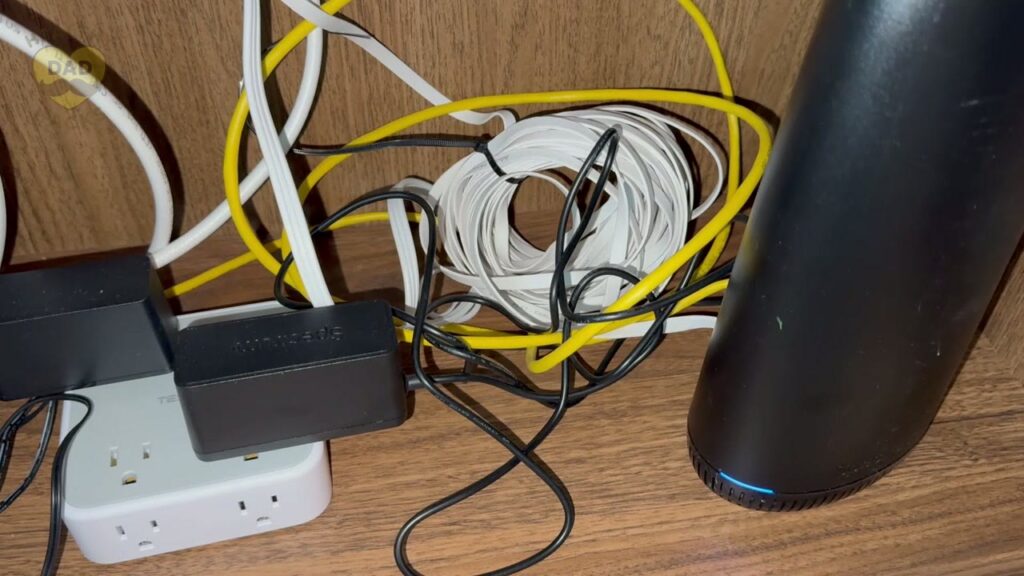
I bought the 50-foot cable and ended up with quite a bit left over. The flexible cable rolls into a coil easily, so the extra length was manageable. I like having that slack if I move the desk or reuse the cable somewhere else. For this particular office layout, I’d choose a shorter length if I were ordering again.
Dad’s Final Thoughts
Fun Fact: In 1973, an early Ethernet prototype connected computers at Xerox PARC. The idea drew on a wireless network that linked computers across the Hawaiian islands. See the prototype at the Smithsonian.
Getting the computer wired was one of those little jobs that finally made the new office feel like mine. Now if I could just find the box with the label maker.
Get Dad Content Monthly!
The best things I find every month — products, nostalgic discoveries, Dad hacks, and ideas.
One email. Once a month.
First email sent on the 1st of the month
You got this, Dad.
Save time and money, avoid trial-and-error
Every day of Dadhood matters. Don't waste hours researching products or making expensive mistakes. Buy smarter, rediscover nostalgic fun, and create more family memories.


About this Dad
Eric Sharp is the founder of Healthy Dad Hacks. He's married to the love of his life (Sarah) and proud Dad of a blended family (Hazel, Roman, & Dean). When not thinking about Dadhood, he enjoys; CrossFit, entrepreneurship, eating steak, growing his Michael Jordan card collection, 90s music, and fancy sneakers.
Don't leave yet, there's more!