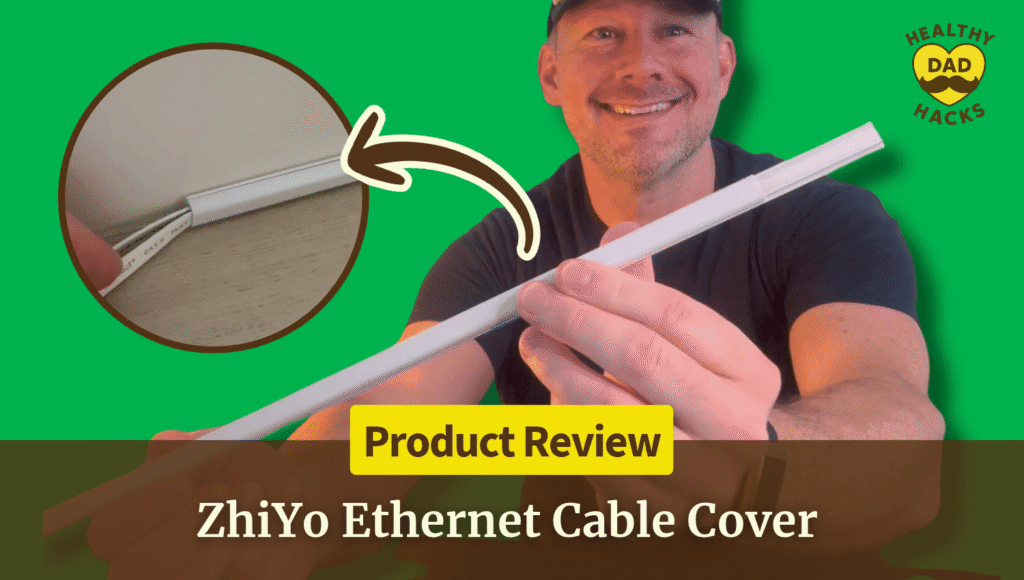
How to Hide Ethernet Cable Along a Baseboard: Dad’s ZhiYo Cord Cover Review
Every time I looked under my desk, two Ethernet cables were right there looking back at me. In my ZhiYo peel-and-stick cord cover review, I show how I tucked both along the baseboard without drilling, how I got the sections to line up, and when I’d buy a wider cover.
Every time I looked under my desk, two Ethernet cables were right there looking back at me. In my ZhiYo peel-and-stick cord cover review, I show how I tucked both along the baseboard without drilling, how I got the sections to line up, and when I’d buy a wider cover.
by
Eric Sharp

Modified last on
Nov 8, 2026
Topics
Amazon Affiliate Disclaimer
This content may contain affiliate links, which means that if you click on one of the product links, I may receive a small commission to help purchase more Dad-friendly products to do more helpful reviews! As an Amazon Associate I earn from qualifying purchases.
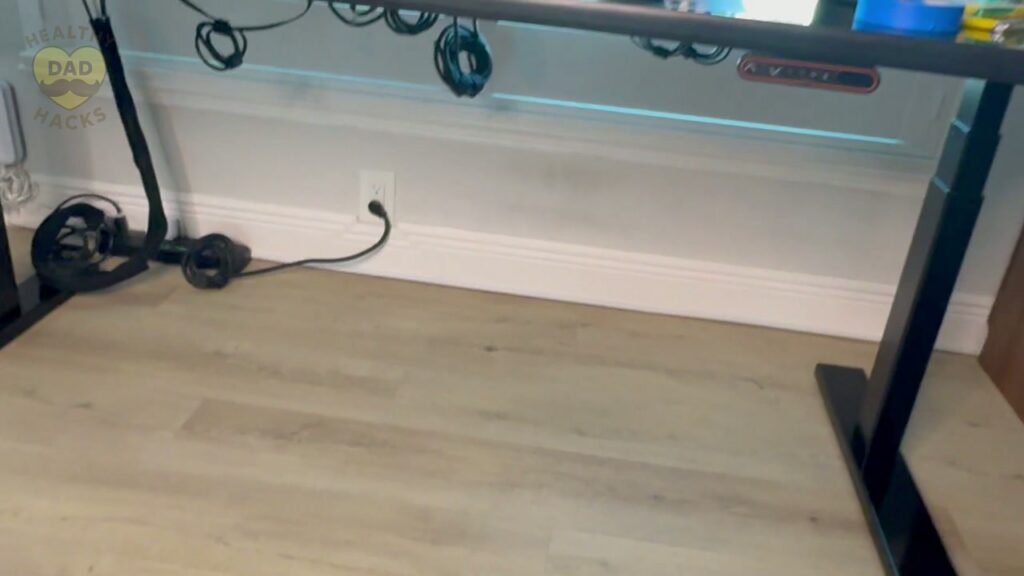
Dad’s cable management plan had a loophole: as long as I stayed in my chair, I could pretend the mess under my desk didn’t exist.
Two Ethernet cables came out from behind my bookcase and ran along the wall under my desk. I wanted them to follow the white baseboard without drilling holes. This ZhiYo cord cover review shows how I hid them with a peel-and-stick channel.
The part I wasn’t sure about was the fit. The mini cover is designed for one small cord, but both of my flat Jadaol Cat 6 cables fit. I’ll show you how I checked before peeling the backing.

My Quick Video Review
Here’s a quick video review of the ZhiYo 85-inch Mini Cord Cover. I show how the lid slides off, how I fit both cables inside, and what the joints look like once the cover is up.
How to Hide Ethernet Cable Along a Baseboard
I started with two flat Cat 6 cables. Before peeling the adhesive backing, I checked that both fit inside the channel and the lid could slide on.
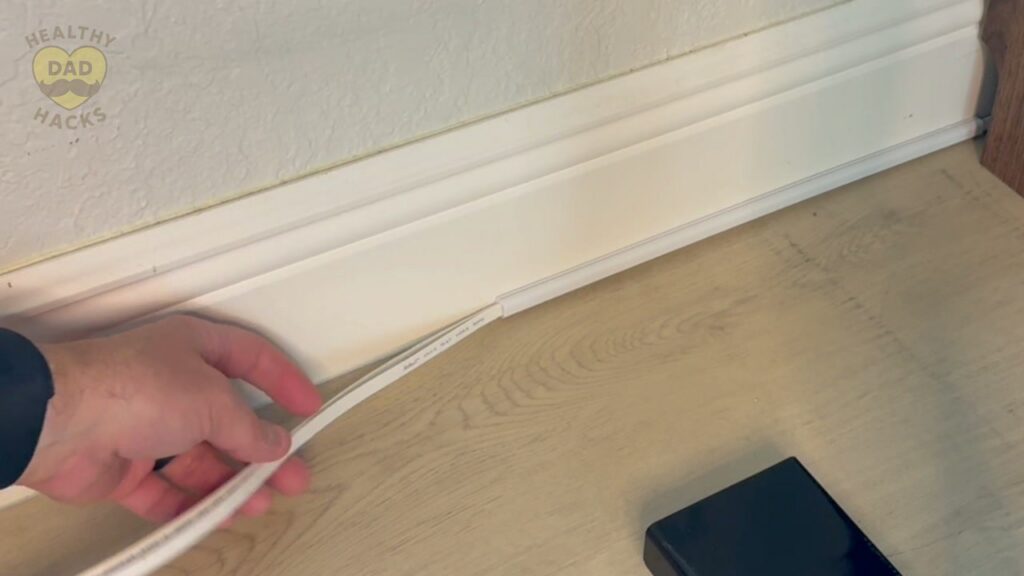
- Measure the route. Trace the path from the point where the cord comes out from behind the furniture to where it needs to exit the cover. Hold a few sections up along the trim to see where the joints will land.
- Check cable fit. Compare the cable width and thickness with the inside of the channel. Lay the cords in one section and make sure the lid slides on freely before you peel the backing.
- Prep the surface. Wipe the mounting area clean and let it dry. ZhiYo recommends a smooth, solid surface for its adhesive.
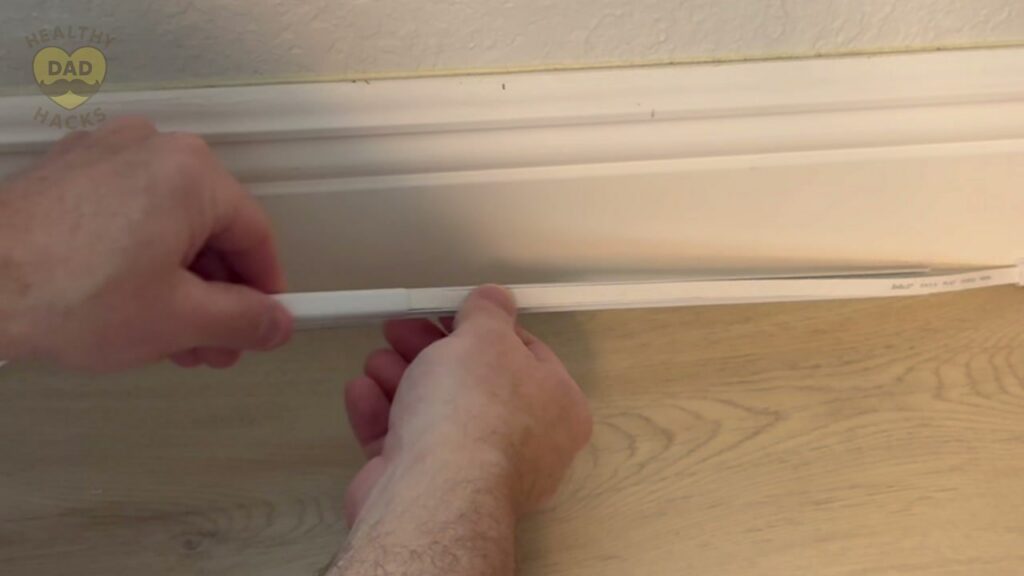
- Load, peel, and press. Slide the top off, lay the cable inside, slide the top back on, and peel the backing. Press the first section into place. Line up the next piece with the first before pressing it down.
- Check the ends. Leave enough slack at each end to reach the device without pulling on the connector. Check the joints from your usual seat and confirm the wired connection still works.
Why I Used Flat Jadaol Cat 6 Cables
The thin, flat shape of my Jadaol Cat 6 cables is what made this setup work. The ZhiYo mini cover is designed for one small cord, but both of my flat cables fit inside and the lid slid closed. If yours are thicker or round, test the fit before sticking the cover down and size up if the lid catches.
If you’re deciding what to run inside the cover, my Jadaol flat Cat 6 Ethernet cable review shows how easily it bends and where its thin profile gives you more ways to hide it.

Other Home Office Products
Here are a few other products you may be interested in, Dad.
- Still stuck at 1 Gbps after a fiber upgrade? My desktop’s built-in Ethernet port topped out at 1 Gbps, even though my new fiber plan could go faster. In my TP-Link TX201 2.5 Gigabit network adapter review, I show how adding the card let my PC connect at 2.5 Gbps.
- Give your ideas a spot on the wall. My Quartet magnetic glass whiteboard review covers the 48 × 36-inch board I use to brainstorm and plan in my office.


Pros and Cons
Here’s a quick breakdown of what Dad liked, and what can be improved about this mini cord cover.
What I Liked
- Peel-and-stick mounting. I mounted my run without drilling or reaching for the toolbox.
- Slide-off lid. I could lay the cords into the open channel and see how they were sitting.
- Low-profile shape. The white cover blended into the trim under my desk.
- Tidy joints. The sections lined up closely once I adjusted the ends.
Dad’s Honest Callouts
- Small cable cavity. I’d size up for a thicker Ethernet cable, a chunky HDMI cord, or a bundle that keeps the lid from sliding freely.
- Surface matters. The backing is intended for smooth surfaces, and ZhiYo warns that removal can leave marks or lift paint.
Quick Verdict
I’d recommend the ZhiYo mini cover for a short run of slim Ethernet cable on smooth trim. It gave me the clean line I wanted from the bookcase to the desk, and the slide-off lid made it easy to test the fit before sticking anything down.
Top Amazon Reviews
Don’t just take my word for it — here’s what other Amazon buyers commonly mention about the ZhiYo cord cover.
- “Easy to get onto the wall” – Buyers frequently highlight how simple the cover is to install.
- “Blends into the wall” – Buyers like the cleaner appearance and say the cover can blend in with the surface behind it.
- “Backing holds well” – The adhesive gets favorable feedback from buyers who mounted the cover.
Unboxing – What’s Inside?
Here’s what comes in the box:
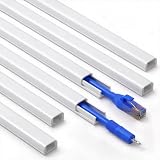
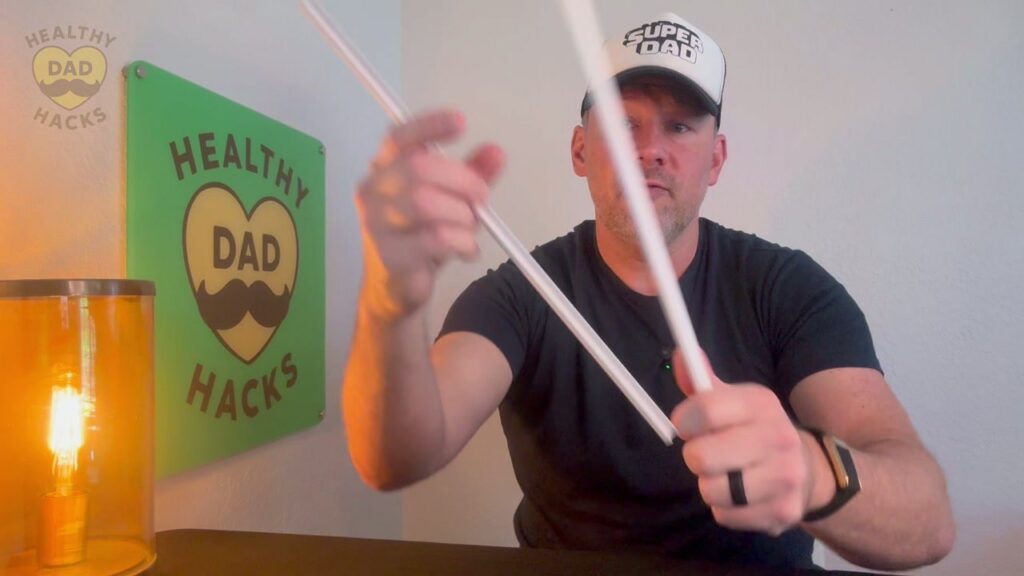
- Six white cord cover sections, each with a slide-off lid and pre-applied adhesive on the base
Specifications
- Model and color: CMR05 Mini, white
- Total coverage: Approximately 85 inches across six 14.2-inch sections
- Outside dimensions: 0.46 inches wide × 0.30 inches high
- Inside dimensions: 0.32 inches wide × 0.23 inches high
- Rated capacity: One small cord, up to 6 mm in diameter
- Material and finish: Paintable PVC
Dad’s 5 Key Features
Here are the five things that stood out as I hid two Ethernet cables under my desk with the ZhiYo mini cover.
1. Peel-and-Stick Backing
The part that sticks to the wall is already on the back of each channel. Once I had the cables seated and the lid on, I peeled the paper and pressed the section into place. That was the whole mounting job for my straight run. I liked being able to finish it without drilling holes beside my desk.
2. A Slim Channel for Flat Cables
I was pleasantly surprised when both of my flat Jadaol Cat 6 cables fit inside this narrow cover. It was a snug fit, and I could slide the top on once I had both cables seated. That result came down to how thin my particular cables were. The mini cover is sold for one small wire, so measure the space your cables actually take up.
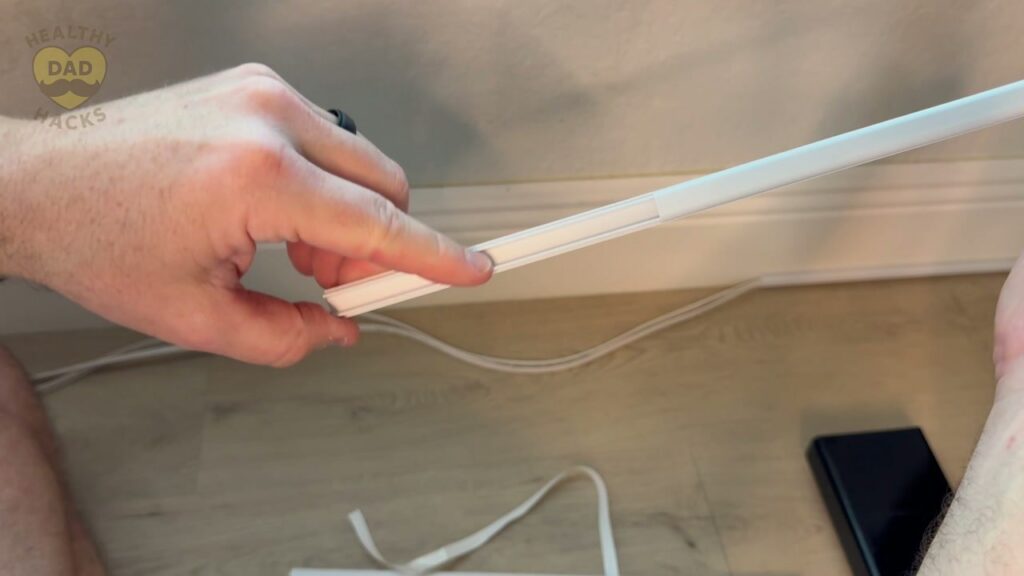
Dad Tip: If your Ethernet cable is thicker than mine or you need to hide a bulky HDMI cord, size up before you order.
3. A Lid That Slides Right Off
I started one section behind the bookcase, then opened the next one on camera. The top slid off so I could place both cables in the base and see where they sat. When the top caught, I adjusted the cables and tried again. Having the whole channel open made that little adjustment easy to see and fix.
4. Short Sections You Can Line Up
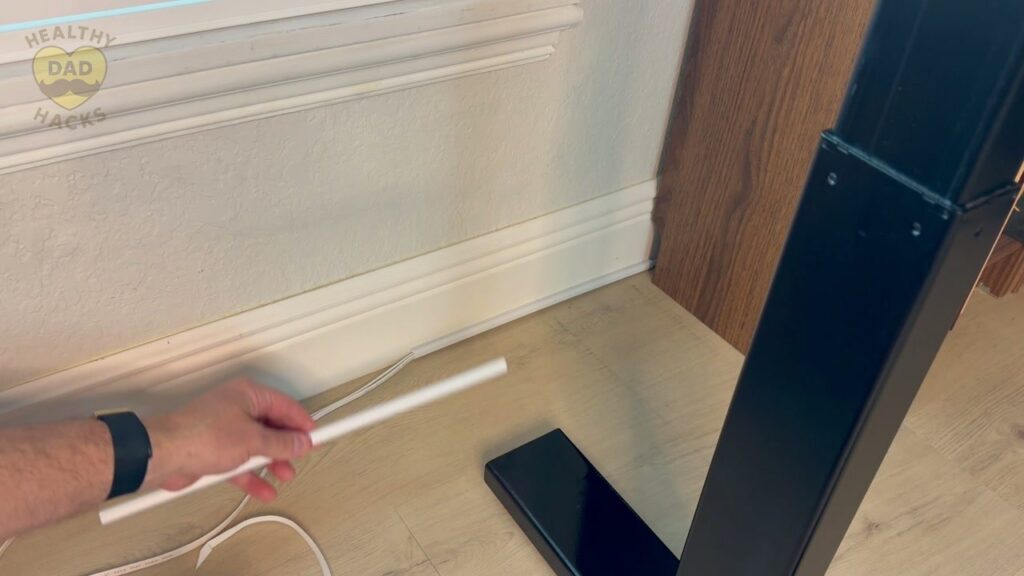
The 85-inch kit comes in six sections, and the joints were the part I was most curious about. When I put the second section up, I checked the seam close up and shifted the piece slightly to line it up. From farther back, the covers read as a single clean line running along the trim.
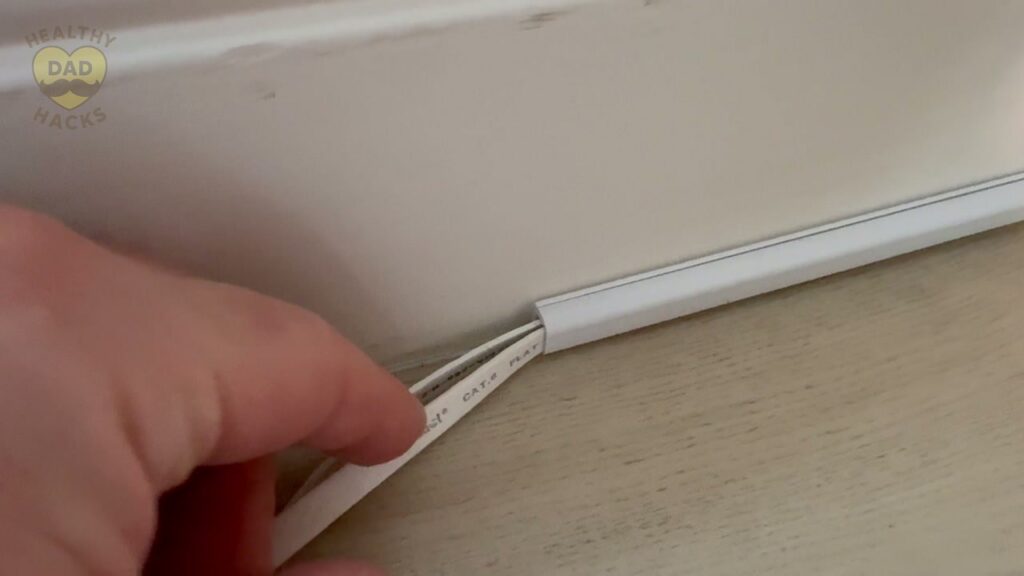
Dad Tip: Line the next piece up against the one you’ve installed before pressing its adhesive firmly into place.
5. A White Finish That Blends Into Trim
I picked white because the trim under my desk was already white. Once I finished the run, my eye followed the baseboard instead of getting caught on the two loose cables. ZhiYo lists the PVC as paintable if you need it to blend with a different wall or trim color. I left mine white, so that’s the finish you see in my video.
Dad’s Final Thoughts
Fun Fact: Ethernet came out of Xerox’s research lab, the same place that developed the Alto, an early personal computer. Those two ideas were taking shape decades before I had a bookcase to hide network cables behind. Xerox’s timeline
I like a Dad job that fits between the rest of the day’s jobs. This was one I could finish in a sitting and enjoy every time I pulled up to my desk.
Get Dad Content Monthly!
The best things I find every month — products, nostalgic discoveries, Dad hacks, and ideas.
One email. Once a month.
First email sent on the 1st of the month
You got this, Dad.
Save time and money, avoid trial-and-error
Every day of Dadhood matters. Don't waste hours researching products or making expensive mistakes. Buy smarter, rediscover nostalgic fun, and create more family memories.


About this Dad
Eric Sharp is the founder of Healthy Dad Hacks. He's married to the love of his life (Sarah) and proud Dad of a blended family (Hazel, Roman, & Dean). When not thinking about Dadhood, he enjoys; CrossFit, entrepreneurship, eating steak, growing his Michael Jordan card collection, 90s music, and fancy sneakers.
Don't leave yet, there's more!